
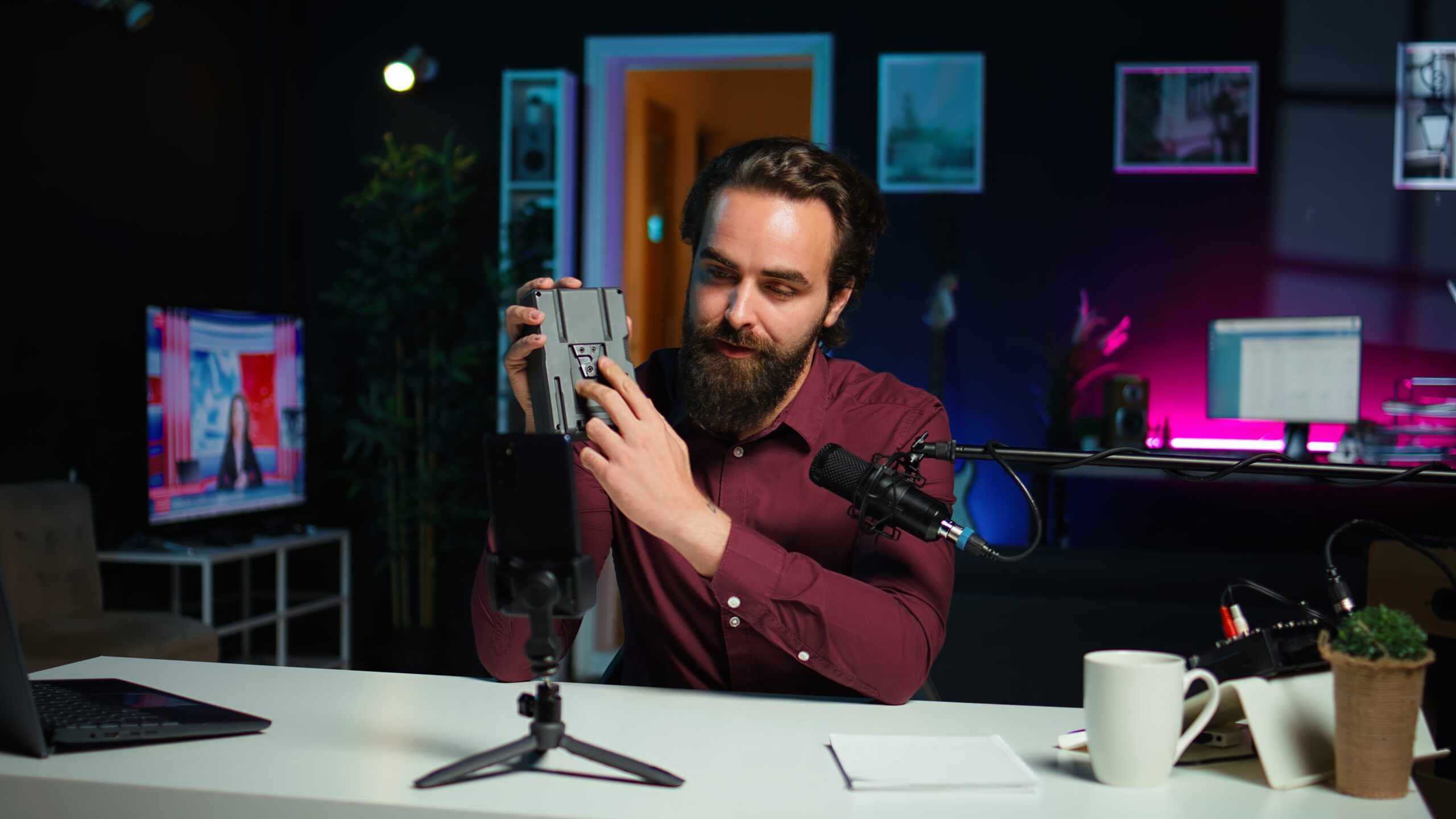
One of the quickest methods of increasing Tik Tok in 2026 is learning how to edit Tik Tok videos. Well-edited videos are more interesting to watch. This leads to increased views and watch time, as well as followers. They can make professional videos with little effort only a phone and even beginners can do it. Here, you will get training on how to edit either in the Tik Tok app or PC. You will also get pro tips on how to get better retention and reach.
The reason is that editing is important to TikTok Growth.
Tik Tok is a quick moving platform. Thus, you have to capture the eye. effects, captions and clean cuts make the viewers stay. The longer the people watch, the greater number of users Tik Tok will display your video. Moreover, good editing creates your brand style. This makes people identify your content immediately.
What Does It Mean to Edit a Tik Tok Video?
Editing refers to the process of making a video better after recording. On the example, you can cut out the sections that you do not want, add music, include text, and apply effects. Recording takes crude footage but editing refines the footage. Most importantly, retention is enhanced by editing. The algorithm runs a little deeper when the viewers watch till the end.
What You Should Have Before Editing Tik Tok Videos.
Basic Requirements
One, you require a smartphone or a computer. A reliable internet is also desirable. Naturally, you would need to have a Tik Tok account.
Additional Tools to Improve the Results.
Other tools enhance quality although it is not mandatory. A tripod provides stability to the camera. Lighting is enhanced by a ring light. A microphone which is external provides better sound. Such minor improvements can have a tremendous effect.
Tik Tok App – How to Edit Tik Tok Videos.
Step 1 – Record or Upload a Video
You are also able to record within Tik Tok. This alternative is fast and easy. But you also can post a video out of the gallery. This is more desirable to many creators as they get to shoot using a better camera.
Step 2 – Trim and Cut Clips
Then get rid of extraneous components. Short videos tend to be more successful. Only the most interesting moments should be maintained. This holds the viewers to the end.
Step 3 – Add Music or Sound
Music is essential on TikTok. Selecting trending sounds whenever possible. They make them more discoverable. In addition, you should vary the volume in order to keep your voice clear.
Step 4 – Add Text and Captions
Text will make viewers comprehend what you are saying. Fonts should be clear and the text should be located in the central space. Moreover, make captions speak at the same time as speech. This enhances access and time of watching.
Step 5 -Use Filters and Effects.
The filters enhance the visual quality. However, use them carefully. The number of effects causes distraction to the viewers. Select the simple effects that are in line with your content style.
Step 6 – Add Stickers and Emojis
Stickers add personality. As an illustration, polls and questions make the level of engagement higher. It is important to use them when applicable.
Step 7 -Analysing and check Final Preview and Export.
You need to re-watch the video and then post. Text timing and brightness Check audio properly. In case everything looks fine, post and write your caption.
Tik Tok How to edit videos on PC or Laptop.
On a computer, there is more control of editing. The reason why many creators utilize CapCut is that it is user-friendly. It is possible that professionals will stick to Adobe Premiere Pro or Final Cut Pro due to advanced options.
TikTok Video Size and Format
Always use a vertical format (9:16). The ideal resolution is 1080×1920. This makes your video appear shrewd. Also, display in MP4 format to be compatible.
Basic Editing Workflow
First, import your clips. The second step is to cut and place them on the timeline. Then add transitions, music, and captions which are also appropriate to the background. Lastly, sell with high quality settings.
TikTok editing videos questions, How to edit TikTok Videos Like a Pro.
Jump Cuts Use Jump Cuts in High Retention.
There are jump cuts that eliminate silence and pauses. Consequently, the video is more exciting and fast. This makes the viewers watch more.
Add Captions to Increase Watch Time.
A lot of people do not watch TV with sound. Thus, captions cannot be ignored. They can be added manually or they can be auto captured. Position captions in places which are easy to read.
First 3 Seconds Hook Viewers.
The beginning is critical. A question or presentation should be asked or shown. As an example, here is how I gained 10K followers in one week.
Sync Cuts with Music Beats
Cut your video on music beats. This renders the video smooth and professional. The majority of the editing applications contain beat markers to assist you.
Best TikTok Video Edits to Grow.
Keep your videos concise. Short and interesting content works best in 2026. Use trending sounds wisely. Also, have a similar visual style. Select similar colors and fonts and create recognition. Lastly, have a vivid call to action e.g. follow to receive more tips.
Top Editing Faux Pas to Make.
Avoid overusing effects. Too many effects look messy. Quality is also diminished by poor lighting. Moreover, small displays are not easily readable with small text. Always send out in high visualization. Captions should not be overlooked since they enhance accessibility.
How to cut Tik Tok videos in a shorter time.
Use templates to save time. Numerous applications have pre-designed fashions. There is also a faster process of pre-set captions. And use keyboard shortcuts, in case you edit on PC. It can also be more efficient by editing several videos simultaneously.
Editing of Different Content Types.
Video instructions should have detailed texts and illustrations. Videos in the business should emphasize products and advantages. Comedy videos rely on timing and sound effects. Product promotions need clean visuals and strong calls to action. Adjust your editing style based on your content type.
How to Edit TikTok Video on PC or Laptop
Editing on a computer provides greater flexibility. CapCut is popular among many creators since it’s easy to learn. Advanced editors may opt for Adobe Premiere Pro or Final Cut Pro.
TikTok Video Size and Format
Always hold the phone vertically (9:16). The ideal resolution is 1080×1920. That way, your video content looks razor edgy. And also, its export options tend to play well with MP4.
Basic Editing Workflow
First, import your clips. Then, cut and organise on the timeline. Then layer on transitions, music and captions. Finally, export it in high quality.
How to Edit Like a Pro on TikTok
Jump Cuts to High Retention.
Break cuts eliminate waiting and silence. The video becomes, therefore, quicker and more thrilling. This makes the viewers watch longer.
Include Subtitles to spend more hours.
A lot of individuals watch it without sound. As such, it is necessary to use captions. They can be added manually or auto captions. Caption should be placed at the point of easy readability.
Original Viewers in the first 3 seconds.
The beginning is critical. Ask: Ask a question first or demonstrate the benefits first. As an example, here is how I gained 10K followers in one week. A hook with great force deters scrolling.
Sync Cuts with Music Beats
Cut your video on music beats. This gives the video a smooth professional feeling. Most editing apps have
Best TikTok Growth Editing Hacks.
Keep your videos concise. Short and interesting content works best in 2026. Use trending sounds wisely. As well, have a standard visual appearance. Select the same fonts and colors in order to create recognition. Lastly, add a definite action to be taken e.g. Follow to get more tips.
Top Editing mistakes not to be made.
Avoid overusing effects. Too many effects look messy. Quality is also compromised by poor lighting. Moreover, small texts are difficult to see on a small screen. High-resolution is always to be used. And captions should not be overlooked since they enhance access.
How to make Tik Tok Global Faster.
Use templates to save time. There are numerous applications with pre-country styles. It is also fastened through preset captions. In case you edit using PC, ensure you learn keyboard shortcuts. It can also be more efficient with regard to batch editing of several videos simultaneously.
Editing in Different Types of Contents.
Instructional videos should have effective texts and illustrations. The business videos are supposed to point out products and advantages. The videos of comedy are dependent on timing and sound effects. The advertisements of the products should have clean graphics and effective call to action. Choose your type of content and edit it according to it.
How to edit Tik Tok videos to be SEO and discoverable.
Place key words in your captions and on screen text in order to appeal to the audience. This assists Tik Tok in knowing what you have to offer. Use appropriate hashtags, but do not be spam. In addition, create an understandable cover thumbnail that has readable text. Discoverability is enhanced by these steps.
Frequently Asked Questions
Is it possible to edit a Tik Tok video after it has been posted?
No, it is not possible to edit the video itself. You can however edit the caption.
Which is the most suitable app to edit Tik Tok videos?
The most popular one is CapCut as it is free and simple.
What is the optimal length of a Tik Tok video?
Several minutes long (7-20 seconds) short videos tend to be effective.
How do I add captions?
Insert the text feature within Tik Tok or auto-caption.
Why do my videos look blurry?
This normally occurs in cases of exportation in poor light and low resolution.
Before posting, it is always important to check the final checklist.
Ensure that your video has a powerful hook. Include captions and payment of checks. Apply trending sound, when necessary. including a call to action button that can be clicked. Such measures will bring success.
Conclusion
You can now edit videos on Tik Tok at an advanced level. Begin with bare and attractive cuts and catchy captions. Then little by little add effects and pro techniques. However, above all, the most important thing is to practice. The further you edit, the more you are a better person. Your TikTok will grow then as long as you remain consistent.
